THE PLAYBOOK · NNHUAN
Slitherlink: what to know before playing
Bring your attention to one round of Slitherlink. Draw one closed loop whose edges match the count around every numbered cell. Choose a clear next step rather than rushing through the instructions. Identify the playing area and the controls you need. Choose a clear next step rather than rushing through the instructions.
Ten 4×4 loop puzzles with all cell clues shown.
One thing to notice as you play
Before your first action, say what you are trying to achieve. Then compare the result with the goal. Refer to the controls when needed.
The challenge in front of you
Draw one closed loop whose edges match the count around every numbered cell. An attractive position is not enough unless the goal is met. The example below illustrates a decision.
Follow these playing steps
- Click an edge to draw, exclude or clear it.
- Count the four edges around each cell.
- Do not branch or form separate loops.
- Check puzzle verifies every clue and loop connectivity.
Keyboard and screen controls
Click or tap squares or graph edges. Number boards include a digit pad. Undo reverses the previous change; Check puzzle validates the solution. Read a button’s label before selecting it. Return to the rules if the result is unexpected.
Learn from a sample situation
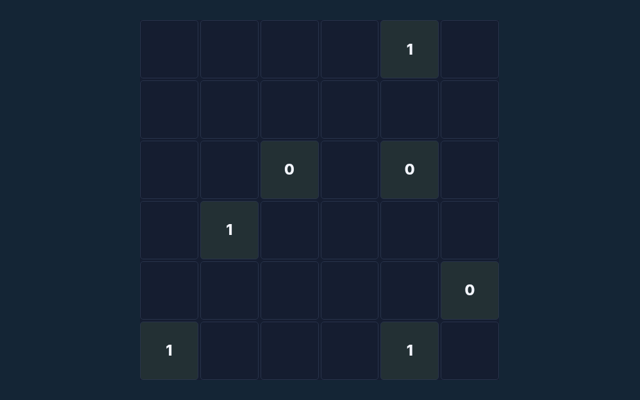
A 0 cell has no loop edge around it; a 3 has exactly three. Focus on why the action is allowed, not only its outcome. Keep the controls nearby.
A common point of confusion
Several small loops are invalid even if clues match. A different version of the game may use a different rule. When a decision goes wrong, compare it with the common mistake described below. Start again only when you intend to leave the current round.
A few questions answered
On this playing page, what is the goal of Slitherlink?
The key detail is this: Draw one closed loop whose edges match the count around every numbered cell.
How do I control Slitherlink?
Keep this in mind: Click or tap squares or graph edges. Number boards include a digit pad. Undo reverses the previous change; Check puzzle validates the solution.
As a new player, what example helps explain Slitherlink?
Here is the relevant explanation: A 0 cell has no loop edge around it; a 3 has exactly three.
What should I watch out for in Slitherlink?
For clarity: Several small loops are invalid even if clues match.
For my first round, what format does Slitherlink offer?
The key detail is this: Ten 4×4 loop puzzles with all cell clues shown.
For this browser game, which play mode does Slitherlink use?
For clarity: The mode on this page is Solo. Same-device play uses one screen; this game library does not provide internet matchmaking.